- # -*- coding: utf-8 -*- # @Date : 2019-02-14 # @Author : Peng Shiyu from copy import deepcopy import numpy as np from sklearn.feature_extraction import DictVectorizer from sklearn.me... # -*- coding: utf-8 -*- # @Date : 2019-02-14 # @Author : Peng Shiyu from copy import deepcopy import numpy as np from sklearn.feature_extraction import DictVectorizer from sklearn.me...
- 基本统计(含排序) 分布/累计统计 数据特征 相关性、周期性等 数据挖掘(形成知识) 一组数据表达一个或多个含义 摘要 - 数据形成有损特征的过程 pandas库的数据排序 .sort_index()方法在指定轴上根据索引进行排序,默认升序 .sort_index(axis=0, ascending=True) .sort_values()方法在指定轴上根据... 基本统计(含排序) 分布/累计统计 数据特征 相关性、周期性等 数据挖掘(形成知识) 一组数据表达一个或多个含义 摘要 - 数据形成有损特征的过程 pandas库的数据排序 .sort_index()方法在指定轴上根据索引进行排序,默认升序 .sort_index(axis=0, ascending=True) .sort_values()方法在指定轴上根据...
- 1、call函数 class Foo(): def __init__(self): print("Foo-init") def __call__(self): print("Foo-call") f = Foo() f() # 重载了括号运算符 """ Foo-init Foo-call """12345678910111213 2、类装饰器 class De... 1、call函数 class Foo(): def __init__(self): print("Foo-init") def __call__(self): print("Foo-call") f = Foo() f() # 重载了括号运算符 """ Foo-init Foo-call """12345678910111213 2、类装饰器 class De...
- https://flask-basicauth.readthedocs.io/en/latest/ 通过Flask-BasicAuth,提供用户名密码即可实现Authentication(认证)机制 安装 pip install Flask-BasicAuth 1 代码示例 # -*- coding: utf-8 -*- # @Date : 2018-10-... https://flask-basicauth.readthedocs.io/en/latest/ 通过Flask-BasicAuth,提供用户名密码即可实现Authentication(认证)机制 安装 pip install Flask-BasicAuth 1 代码示例 # -*- coding: utf-8 -*- # @Date : 2018-10-...
- six 它是一个专门用来兼容 Python 2 和 Python 3 的库 pip install six 1 PyPI : https://pypi.org/project/six/ 文档:https://six.readthedocs.io/ github: https://github.com/benjaminp/six Python 2.7.5 >... six 它是一个专门用来兼容 Python 2 和 Python 3 的库 pip install six 1 PyPI : https://pypi.org/project/six/ 文档:https://six.readthedocs.io/ github: https://github.com/benjaminp/six Python 2.7.5 >...
- 封装 从业务逻辑中抽象对象时,赋予对象相关数据与操作,把一些数据和操作打包在一起的过程就是封装 对象的实现和使用是独立的 支持代码复用 多态 对象怎么回应一个依赖于对象类型或种类的消息 在不同情况下用一个函数名启用不同方法 灵活性 继承 ... 封装 从业务逻辑中抽象对象时,赋予对象相关数据与操作,把一些数据和操作打包在一起的过程就是封装 对象的实现和使用是独立的 支持代码复用 多态 对象怎么回应一个依赖于对象类型或种类的消息 在不同情况下用一个函数名启用不同方法 灵活性 继承 ...
- 使用functools.partial可以创建一个新的函数,这个新函数可以固定住原函数的部分参数,从而在调用时更简单。 # -*- coding: utf-8 -*- # @File : partial偏函数.py # @Date : 2018-05-30 # @Author : Peng Shiyu from functools import partial ... 使用functools.partial可以创建一个新的函数,这个新函数可以固定住原函数的部分参数,从而在调用时更简单。 # -*- coding: utf-8 -*- # @File : partial偏函数.py # @Date : 2018-05-30 # @Author : Peng Shiyu from functools import partial ...
- 代码示例 import matplotlib.pyplot as plt x = [1, 2, 3, 4, 5] y = [2, 4, 6, 8, 10] plt.figure() plt.scatter(x, y) plt.savefig("f.png") 123456789 绘制效果 代码示例 import matplotlib.pyplot as plt x = [1, 2, 3, 4, 5] y = [2, 4, 6, 8, 10] plt.figure() plt.scatter(x, y) plt.savefig("f.png") 123456789 绘制效果
- 文档:https://docs.python.org/zh-cn/3.9/library/string.html#template-strings 代码示例 from string import Template s = Template('I am ${name}') ret = s.substitute(name="Tom") print(ret) # I ... 文档:https://docs.python.org/zh-cn/3.9/library/string.html#template-strings 代码示例 from string import Template s = Template('I am ${name}') ret = s.substitute(name="Tom") print(ret) # I ...
- 文档: http://amoffat.github.io/sh/index.html 安装 pip install sh 1 简单示例 >>> import sh >>> sh.echo("hi") hi 12345 此文章中还提到了好多库和模块,都很有用: 精选26个Python实用技巧,想秀技能先Get这份技术列表!... 文档: http://amoffat.github.io/sh/index.html 安装 pip install sh 1 简单示例 >>> import sh >>> sh.echo("hi") hi 12345 此文章中还提到了好多库和模块,都很有用: 精选26个Python实用技巧,想秀技能先Get这份技术列表!...
- 第一次接触graphics库,折腾了大半天,遇到了N多问题: 问题开始: No module named 'graphics' 尝试解决,当时想,没有这个模块,那我安装一个好了,然后。。。 解决失败。继续 ... 第一次接触graphics库,折腾了大半天,遇到了N多问题: 问题开始: No module named 'graphics' 尝试解决,当时想,没有这个模块,那我安装一个好了,然后。。。 解决失败。继续 ...
- pyppeteer 类似selenium,可以操作Chrome浏览器 文档:https://miyakogi.github.io/pyppeteer/index.html github: https://github.com/miyakogi/pyppeteer 安装 环境要求: python 3.6+ pip install pyppeteer 1 代码示例... pyppeteer 类似selenium,可以操作Chrome浏览器 文档:https://miyakogi.github.io/pyppeteer/index.html github: https://github.com/miyakogi/pyppeteer 安装 环境要求: python 3.6+ pip install pyppeteer 1 代码示例...
- 输入框的制作: 创建一个UISprite 作为输入框的背景,并且命名为Input, 在Input下添加一个Label,用于显示文字, 最后在Input上添加Boxcollider和UIInput组件,并设置相应的属性,运行即可输入 输入框的属性简介: StaringValue 程序运行时显示的文本内容 Saved As ... 输入框的制作: 创建一个UISprite 作为输入框的背景,并且命名为Input, 在Input下添加一个Label,用于显示文字, 最后在Input上添加Boxcollider和UIInput组件,并设置相应的属性,运行即可输入 输入框的属性简介: StaringValue 程序运行时显示的文本内容 Saved As ...
- Tk会调用操作系统提供的本地GUI接口,完成最终的GUI 效果显示 代码实现 from tkinter import * from tkinter import messagebox class Application(Frame): def __init__(self, master=None): super(Application, self).__... Tk会调用操作系统提供的本地GUI接口,完成最终的GUI 效果显示 代码实现 from tkinter import * from tkinter import messagebox class Application(Frame): def __init__(self, master=None): super(Application, self).__...
- 直接执行 python hello.py 1 指定解释器 #!/usr/bin/env python print "hello,world"12 给予执行权限:chmod 755 hello.py 运行脚本 ./hello.py 字符编码 ASCIIgb2301GBKGB18030unicode 2bytesutf-8 en:1byte zh:3byte... 直接执行 python hello.py 1 指定解释器 #!/usr/bin/env python print "hello,world"12 给予执行权限:chmod 755 hello.py 运行脚本 ./hello.py 字符编码 ASCIIgb2301GBKGB18030unicode 2bytesutf-8 en:1byte zh:3byte...


上滑加载中
推荐直播
-
 华为云码道Agent集成与鸿蒙实战
2026/08/11 周二 19:00-21:00
王一男-华为云码道产品规划专家;李炎-华为云码道产品专家;彭江敏-华为云鸿蒙端云一体化开发专家
本次直播带你解读华为云码道7月份产品新特性、新功能。更有专家演示码道Agent Space × 钉钉机器集成实战,从0到1打通消息通道;码道鸿蒙端云一体化实战,快速搭建员工签到系统。
回顾中 -
 华为云开发者AI素养直播课·第五期
2026/09/04 周五 16:00-18:00
林华鼎-华为云AI开发者运营负责人;蒋春阳-华为云AI开发者案例开发专家
本期直播内容: AI工具体验营 · 第5-8课连讲。Agent-Team 多智能体协作完成毕业设计实践
回顾中 -
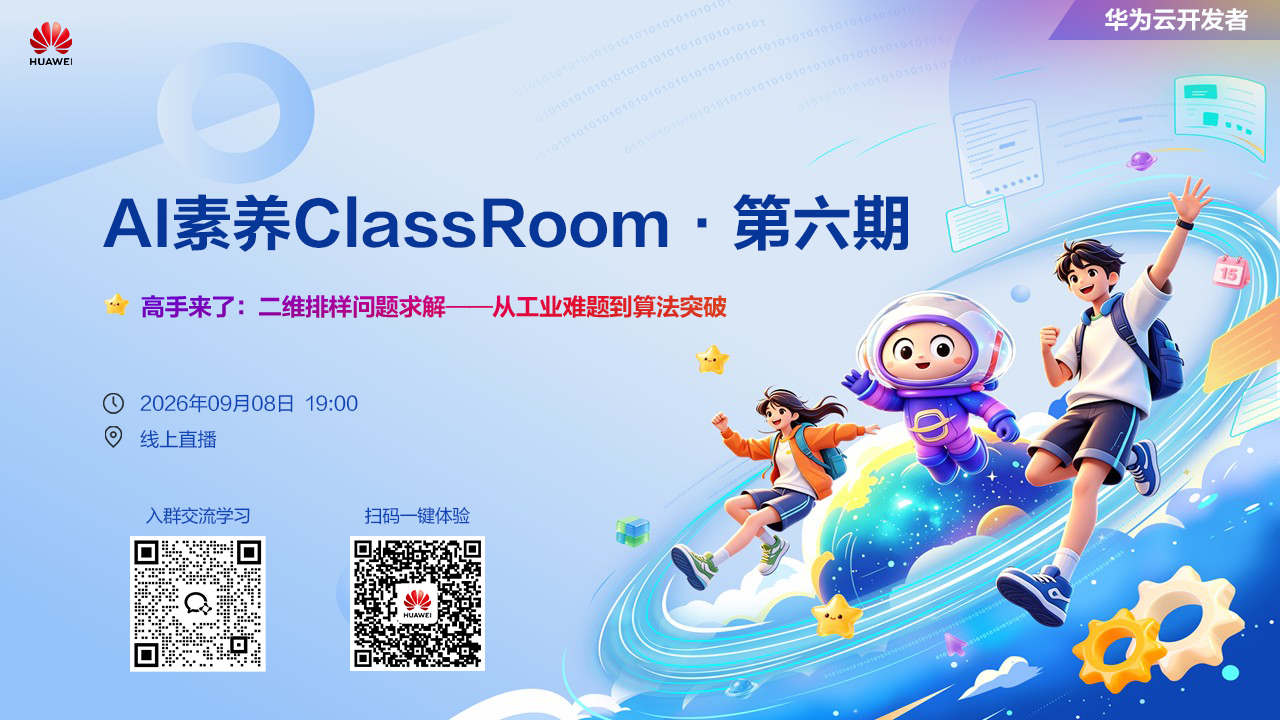 华为云开发者AI素养ClassRoom·第六期
2026/09/08 周二 19:00-20:00
樊渊-2026华为软件挑战赛冠军
高手来了:看软挑高手解析二维排样问题—从工业难题到算法突破
回顾中
热门标签